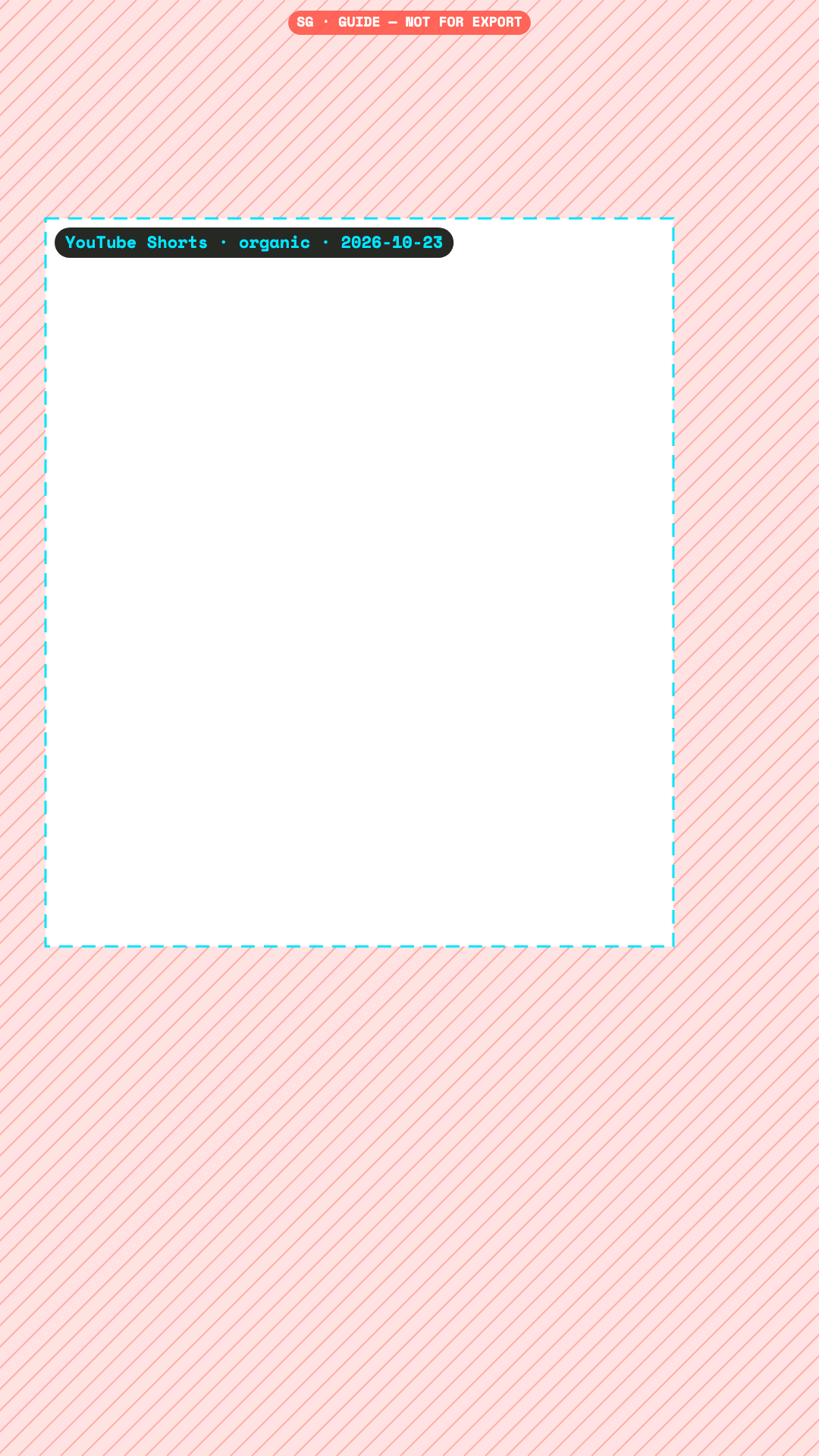
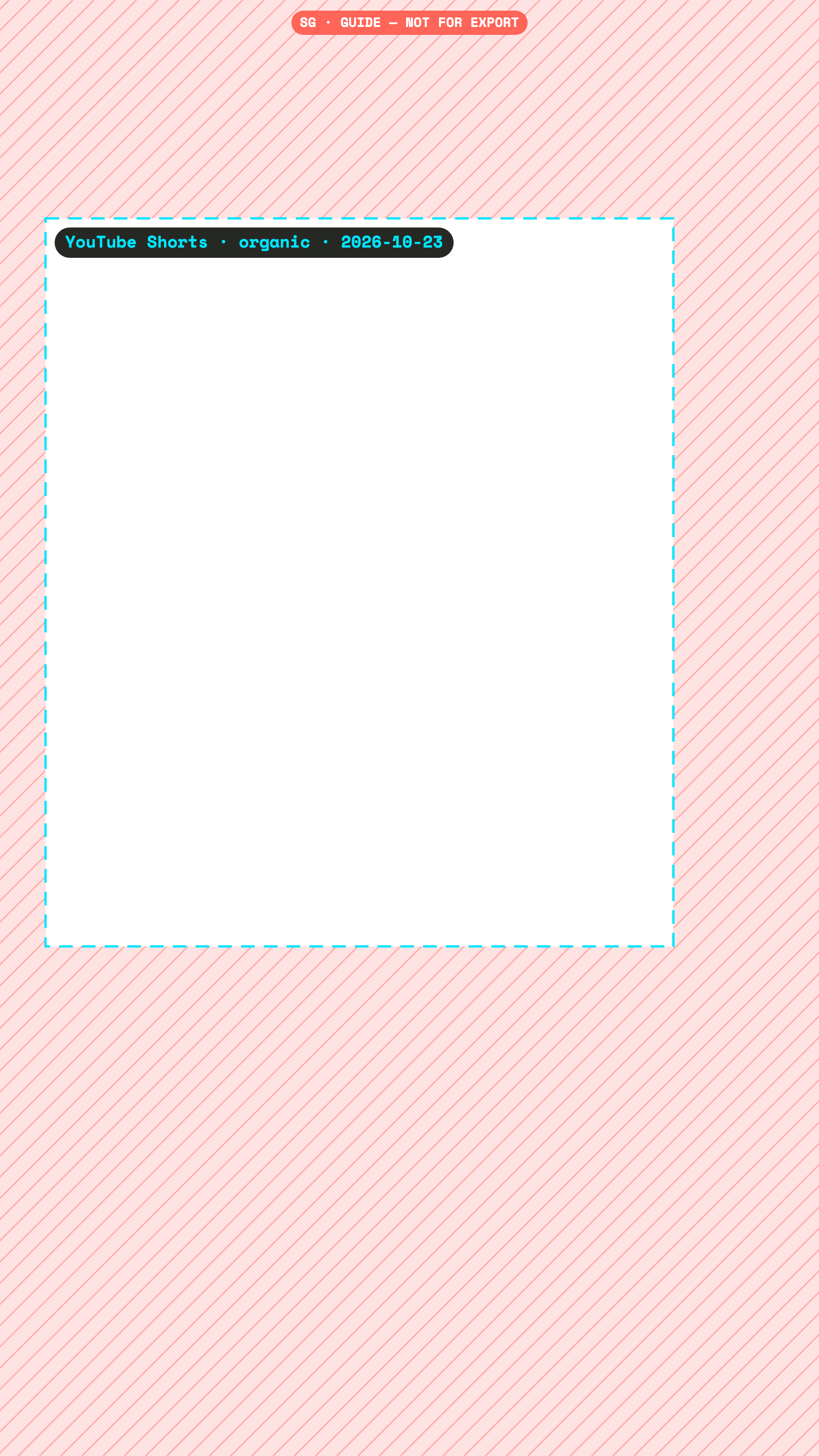
Keep text and logos at least 288 px from the top, 672 px from the bottom, 60 px from the left and 192 px from the right of a 1080×1920 YouTube Shorts video. Checked 23 October 2026.
Google publishes a safe zone for vertical video ads in a PDF. We read it directly; organic Shorts use the strictest value from each source, edge by edge.
px at 1080×1920
Organic
Community measurementConfidence medium. Measured from screenshots by third parties. The platform publishes nothing for this placement.
Checked 23 October 2026. We re-check every quarter.
Pixels to keep clear, Organic
Canvas
Top
Bottom
Left
Right
1080×1920
288
672
60
192
2160×3840
576
1344
120
384
720×1280
192
448
40
128
No official organic Shorts zone found. Disagreement: Hopper 180/390/60/120 (9%/20%/5.6%/11%) vs Google ads 288/672/48/192 vs Videostew 15%/35%.
OfficialConfidence high. Published by the platform itself.
Checked 23 October 2026. We re-check every quarter.
Pixels to keep clear, Ads
Canvas
Top
Bottom
Left
Right
1080×1920
288
672
48
192
2160×3840
576
1344
96
384
720×1280
192
448
32
128
Google's Universal Video Ad Safe Zones, vertical: 288 / 672 / 48 / 192 px at 1080x1920 (numbers read from the official PDF). Overlays serve in-stream, in-feed and Shorts. Right band is the largest (192 px = 0.178) because of the Shorts action rail.
For organic Shorts, Hopper HQ gives 180/390/60/120 px, Google’s ad PDF gives 288/672/48/192 px and Videostew gives 15% top and 35% bottom. We take the strictest value per edge: Google’s top, bottom and right, Hopper’s left. The right margin is large because the like, comment, share and remix buttons sit there.
Free PNG overlay
Drop it on a track above your edit, in any editor. No email needed.
The PNG shows where the app draws. Super Guides shows what it draws: the YouTube Shorts interface itself, with your client’s photo, handle and caption, on your Premiere timeline. One click hides it before export.