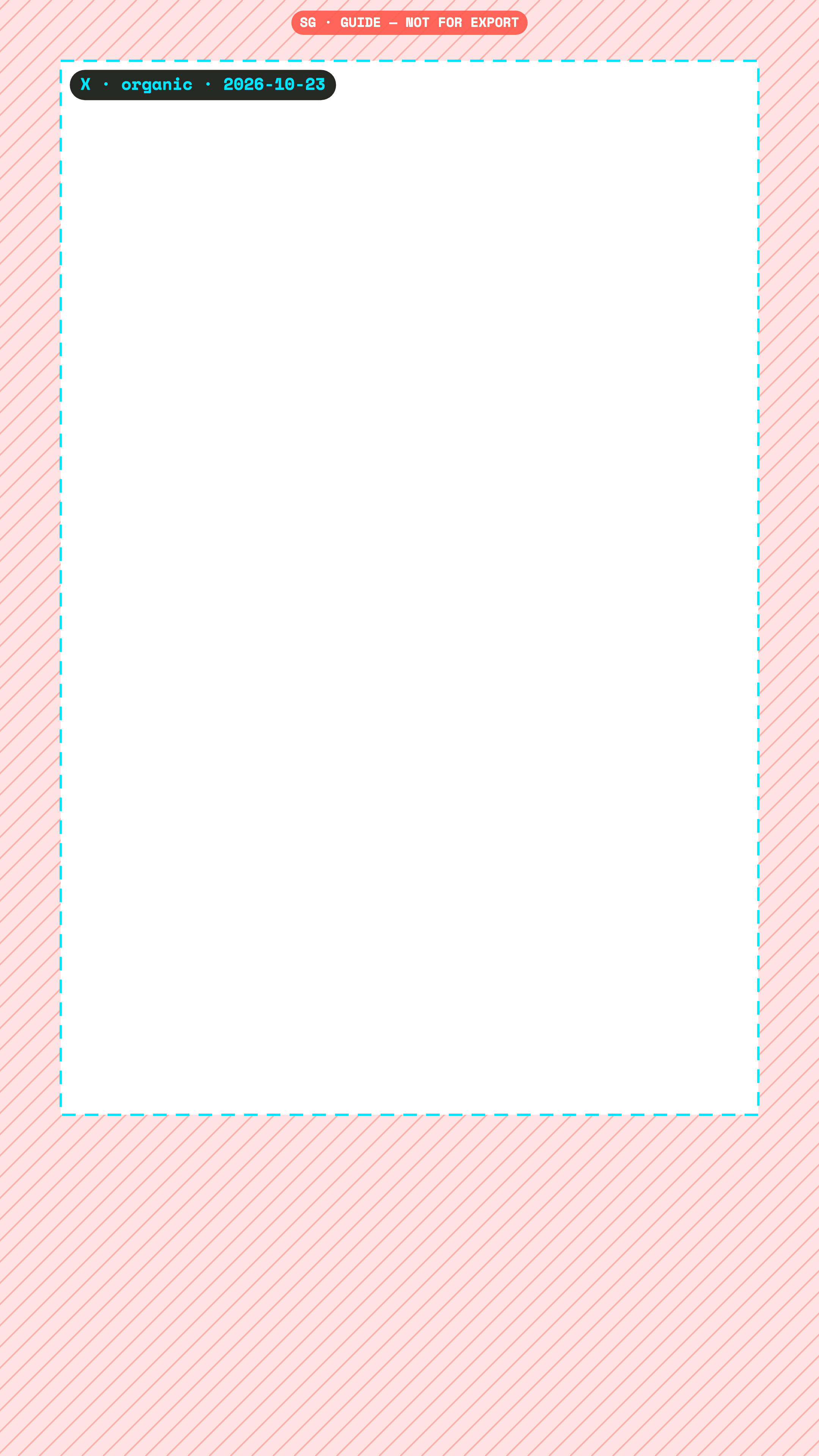
Keep text and logos at least 80 px from the top, 450 px from the bottom, 80 px from the left and 80 px from the right of a 1080×1920 X ad. Checked 23 October 2026.
X publishes no safe zone for video. The vertical numbers come from community measurements; the square and horizontal ones are a broadcast margin. All of them are labelled as proxies.
px at 1080×1920
Ads
Community measurementConfidence low. Measured from screenshots by third parties. The platform publishes nothing for this placement.
Checked 23 October 2026. We re-check every quarter.
Pixels to keep clear, Ads
Canvas
Top
Bottom
Left
Right
1080×1920
80
450
80
80
2160×3840
160
900
160
160
720×1280
53
300
53
53
Single vendor estimate, not an X measurement. Treat as indicative.
DerivedConfidence low. No direct source. Computed from a related placement or a broadcast convention, and labelled as a proxy.
Checked 23 October 2026. We re-check every quarter.
Pixels to keep clear, 1:1 · Organic and ads
Canvas
Top
Bottom
Left
Right
1080×1080
38
38
38
38
2160×2160
76
76
76
76
X publishes no safe zone. Timeline video carries only small player controls; R95 3.5% used. X's older spec page says 1:1 may crop to 16:9 in the mobile timeline: for crop safety keep key content in the centre 16:9 band (top/bottom ~0.219 each).
Only community measurements exist for vertical video on X, and none at all for the timeline formats, where we fall back to the broadcast action-safe margin (3.5%).
Free PNG overlay
Drop it on a track above your edit, in any editor. No email needed.
The PNG shows where the app draws. Super Guides shows what it draws: the X safe zone on your Premiere timeline, next to the full Reels, Stories, TikTok and Shorts interfaces. One click hides it before export.